Data
KPI Atlas
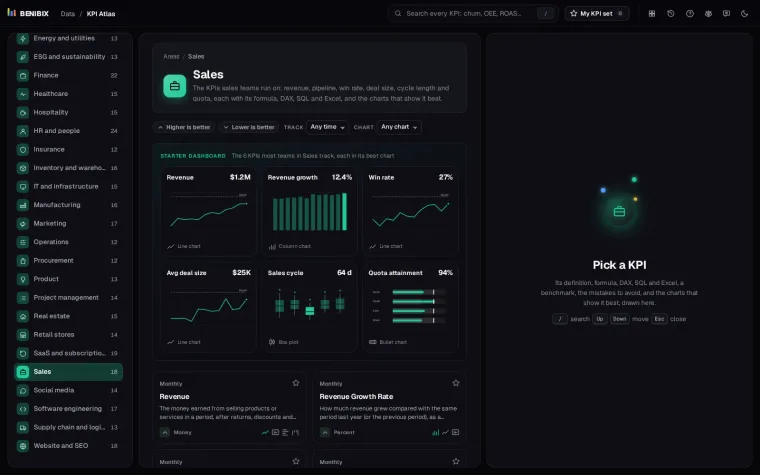
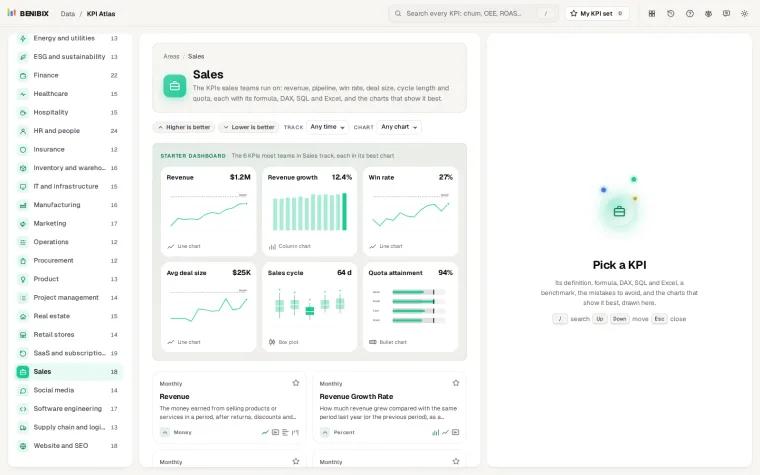
455 KPIs for 30 areas of a business, each with its definition, formula, DAX, SQL and Excel, a benchmark, the mistakes to avoid, and the charts that show it best, drawn.
I also make free tools that run in the browser, on tools.benibix.com. These 4 help with what the courses teach: the KPIs, the charts, the look of a Power BI report and its icons. No account, nothing to install, and each one opens in a new tab.
In the order a report is made: define the KPI, pick its chart, design the pages, add the icons.
455 KPIs for 30 areas of a business, each with its definition, formula, DAX, SQL and Excel, a benchmark, the mistakes to avoid, and the charts that show it best, drawn.
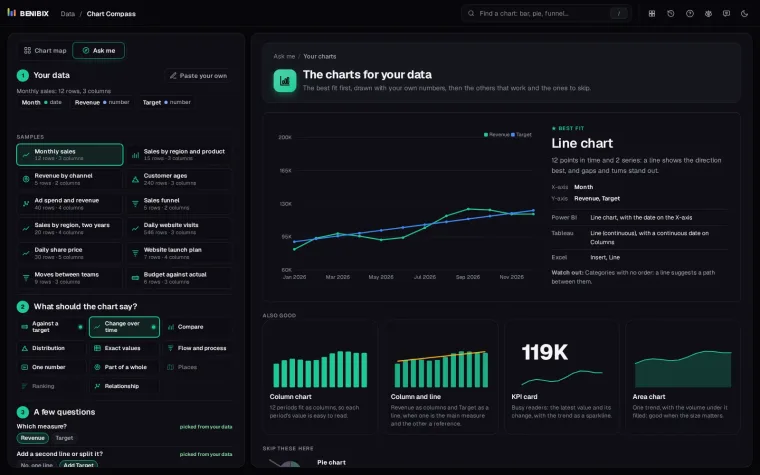
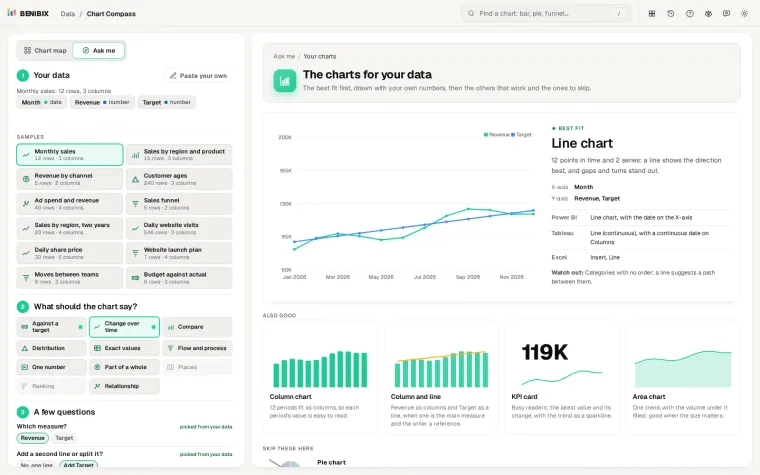
Paste your data, say what the chart should show, answer two or three questions, and see the charts that fit drawn with your own numbers, with their names in Power BI, Tableau and Excel.
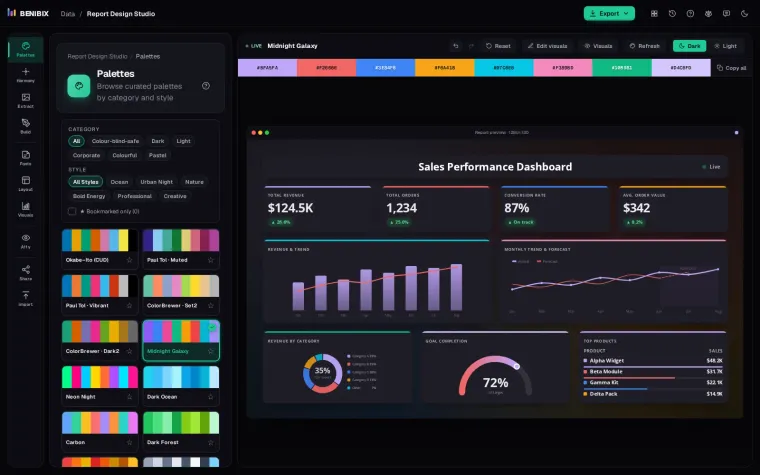
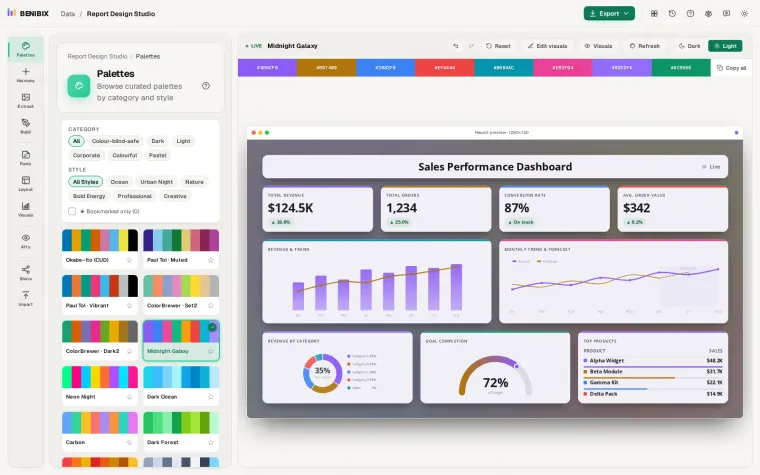
Design a report on a live preview: a Power BI theme (palette, fonts, every visual), a page layout with navigation, title bar and tiles, contrast and colour blindness checks, and exports for Power BI, Figma and PowerPoint.
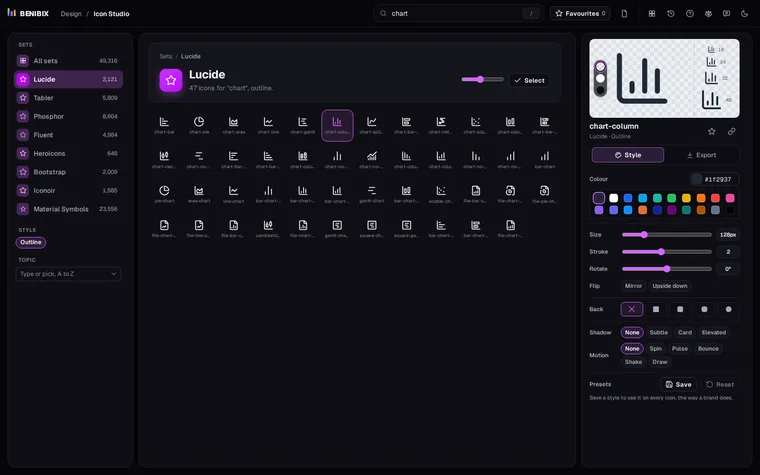
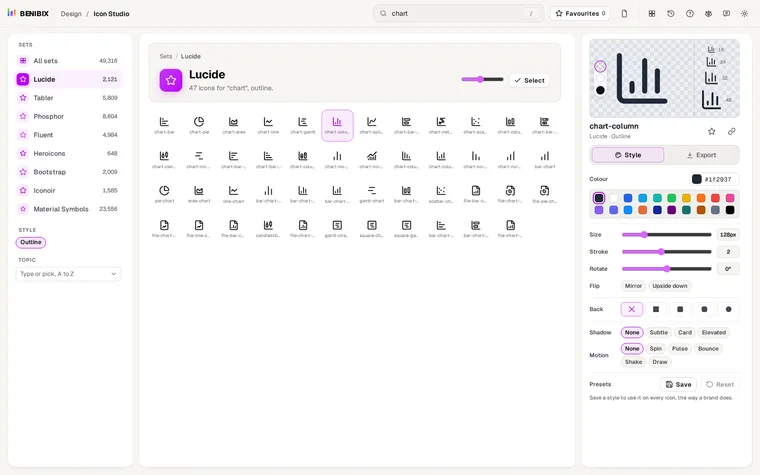
Search nearly 50,000 free icons from eight open-source sets, style them with colour, backgrounds, shadows and motion, and export SVG, PNG, React, CSS or a Power BI measure.
Yes. Every tool is free, runs in your browser and needs no account. What you type stays in your browser and is not sent to me. The tools live on tools.benibix.com, and this page picks out the ones made for Power BI reports and data work.
Start with the question you have. KPI Atlas defines a KPI with its DAX. Chart Compass picks the chart for a question. Report Design Studio designs the theme and layout of a report, and Icon Studio makes icons for its pages. Each one opens in a new tab and works on its own.
Every tool is free and runs in your browser, with no account. A question about one, or an idea for the next tool: write to me. Tell me the job you want done, and the data or the report it is for. I read every idea, and the next tools come from them.